Multi-window usage is no longer a niche feature for power users. On tablets, foldables, and desktops, running apps side by side has quietly become normal behavior. The problem? Many apps still behave as if they’ll always be full screen.
As multi-window becomes more common, that assumption is starting to break – visibly.
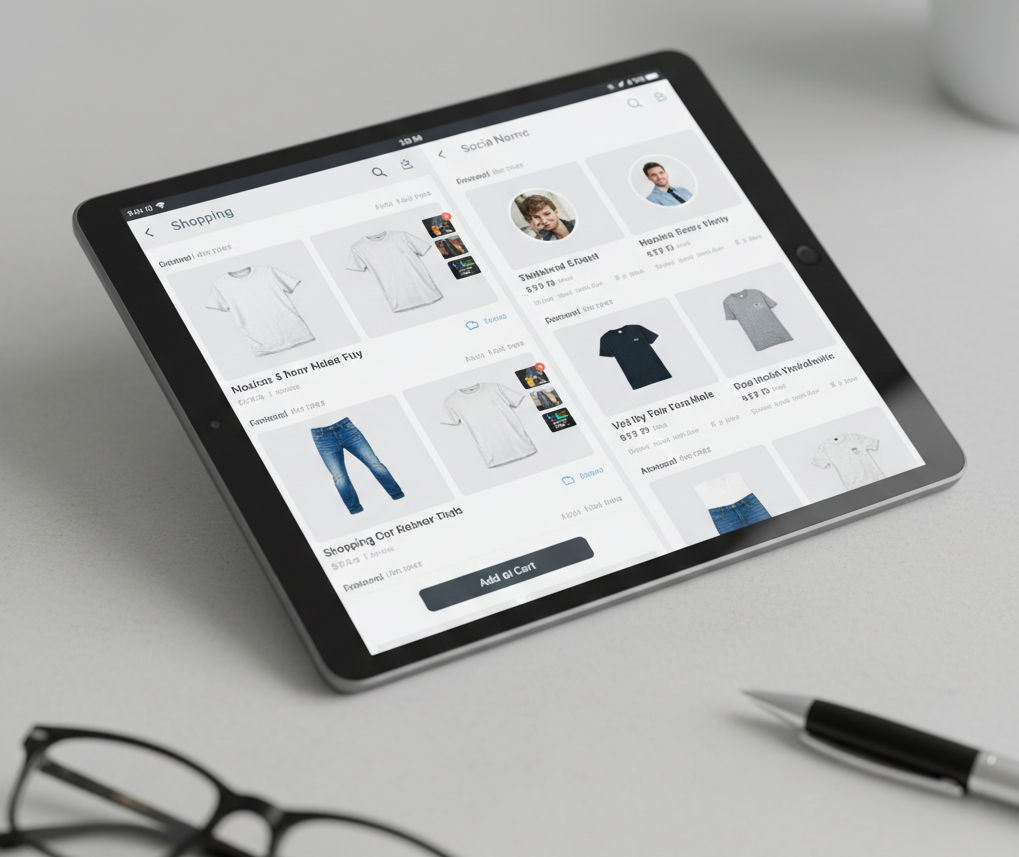
Multi-window is now everyday behavior
On modern devices, users regularly:
- Run messaging apps next to browsers
- Resize apps mid-task
- Switch focus without closing windows
- Move apps between screens or displays
This isn’t advanced usage anymore. It’s how people multitask — and every major platform now encourages it.
What this looks like on real platforms
Android (tablets & foldables)
On Android tablets and foldables, split screen and freeform resizing are common — especially in productivity and media apps.
Where apps struggle:
- Foldables unfolding mid-session cause layout jumps
- Apps restart or lose state when resized
- Bottom navigation feels awkward when stretched wide
Android exposes these issues quickly because resizing is fluid and frequent.
iPadOS
iPadOS users heavily rely on:
- Split View
- Slide Over
- Stage Manager
Apps that assume full-screen control often:
- Reset when moved between window sizes
- Fail to adapt navigation to wider layouts
- Treat multitasking as an interruption instead of a baseline
On iPad, poor multi-window behavior stands out immediately — especially in professional workflows.
Windows
On Windows, snapping and resizable windows are expected behavior, not features.
Common problems:
- Mobile-style UIs that feel oversized or slow
- Touch-first interactions with no keyboard shortcuts
- Focus states that are invisible or inconsistent
If an app doesn’t respect mouse, keyboard, and window resizing on Windows, users abandon it quickly.
macOS
macOS users expect:
- Persistent state across resizes
- Smooth transitions between window sizes
- Keyboard navigation everywhere
Apps that reload views or drop context when resized feel fragile — even if they technically “support” windowing.
ChromeOS & desktop-like environments
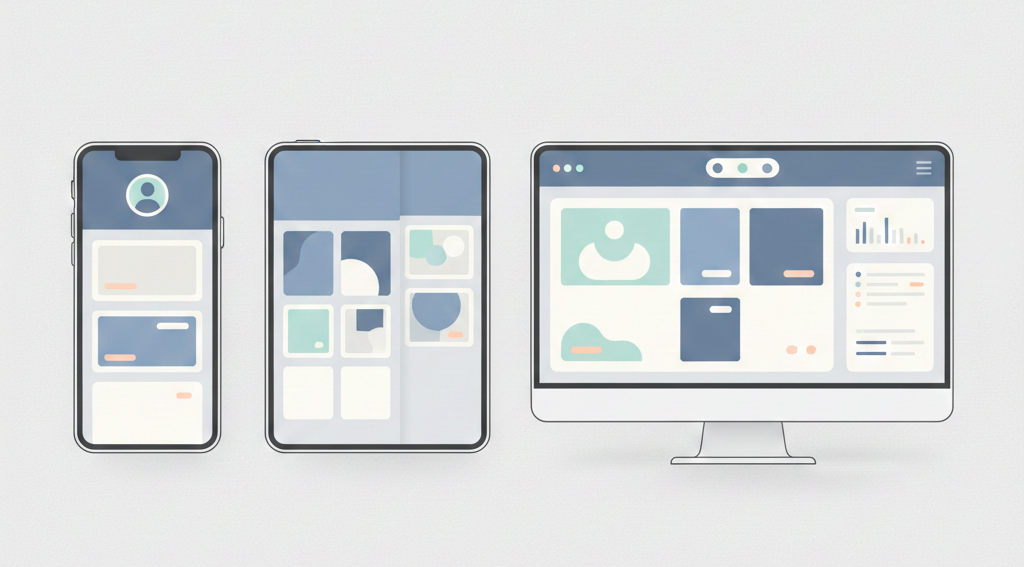
ChromeOS sits between mobile and desktop expectations. Users resize apps constantly, often while switching input methods.
Apps that rely on fixed breakpoints or assume touch-only input tend to feel out of place here.
What breaks first when apps go multi-window
Across platforms, developers see the same failures repeat:
- Layouts collapse during live resizing
- Navigation duplicates instead of adapting
- State resets when the app loses focus
- Performance stutters during transitions
- Keyboard and mouse input feels unsupported
These issues rarely show up in simple emulator testing.
👉 What breaks first when your app goes multi-device (and how to avoid it)
Why many apps still aren’t ready
The core problem isn’t missing APIs. It’s assumptions.
Many apps were built assuming:
- Fixed screen sizes
- Full-screen ownership
- Touch-only input
- Short, uninterrupted sessions
Multi-window breaks all of these at once.
Instead of being an edge case, resizing becomes a normal interaction — and every flaw becomes visible.
The cost of ignoring multi-window
Apps that don’t adapt well pay a quiet but real price:
- Users abandon tasks more often
- Productivity users lose trust
- Apps feel “cheap” next to competitors
This is why multi-window readiness is increasingly seen as a quality signal, not an advanced feature.
👉 Multi-window, multi-screen, multi-problem: lessons from real-world apps
What “being ready” actually looks like
Across platforms, apps that handle multi-window well tend to:
- Adapt layouts smoothly across size ranges
- Move navigation instead of duplicating it
- Preserve state aggressively
- Treat resizing as continuous
- Support keyboard and mouse as first-class input
This approach reflects a broader shift toward adaptable systems rather than device-specific designs
👉 Building once, running everywhere: what multi-device really means in 2026
Final thoughts
Multi-window usage is growing — quietly, steadily, and across every major platform. As it does, it’s exposing which apps were designed to adapt and which ones still depend on control.
For developers, the takeaway is simple:
If your app only feels good full screen, it’s already falling behind.
Multi-window isn’t the future. It’s the present — and users can tell who’s ready.