Multi-window used to be a “tablet nice-to-have.” In 2026, it’s closer to a default expectation—driven by larger phones, foldables, desktop-style modes on Android, and iPad workflows that increasingly look like light desktop computing.
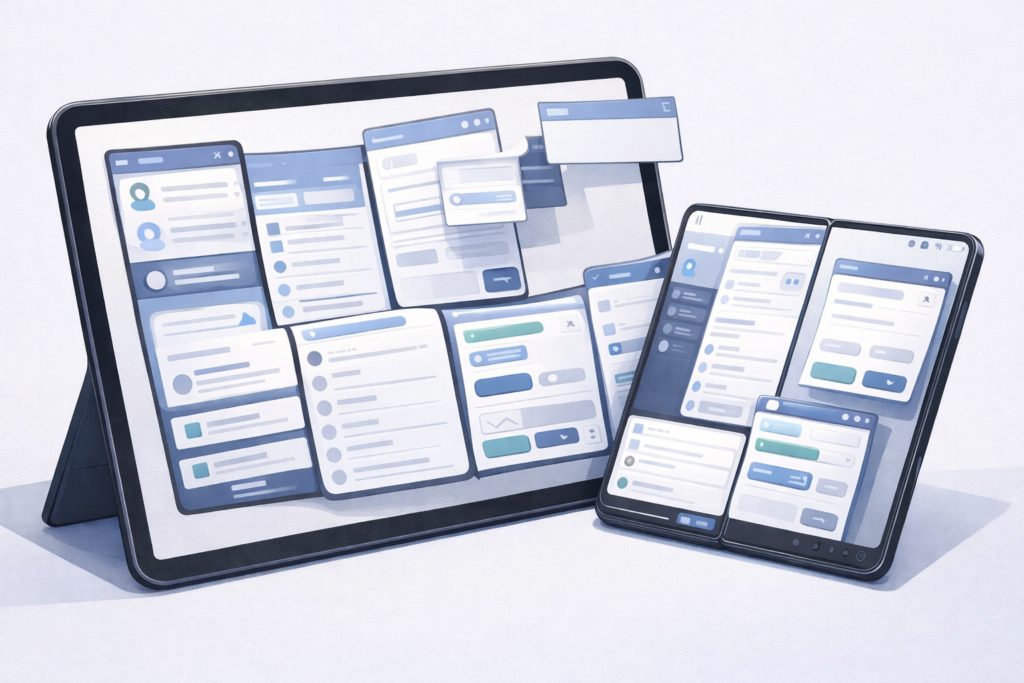
On the Android side, Google frames large screens as a fast-growing segment and urges developers to “build for every device” by progressively meeting large-screen quality tiers. The guidance isn’t just about making tablet UIs prettier; it’s about making resizing and concurrent app usage boringly reliable. Android’s large-screen app quality checklist calls out basics like filling the available window (not letterboxing), and handling configuration changes—including window resizing in split-screen and desktop windowing modes—without losing user progress.
That push is backed by platform mechanics that are getting less tolerant of “phone-only” assumptions. Android’s docs note that multi-window is a core experience across devices (split-screen, picture-in-picture, and free-form/desktop windowing), and that modern Android versions support “multi-resume,” where multiple activities can remain in the RESUMED state even when not focused. At the manifest level, Android has long offered android:resizeableActivity, but the documentation increasingly reads like a warning label: on large screens, the attribute is more about resizability/compatibility behavior than whether multi-window exists at all, and newer platform behavior can ignore attempts to restrict resizability or orientation on large displays.
On iPad, Apple has been similarly explicit: multitasking features like Split View, Slide Over, and Picture in Picture are part of the iPadOS identity, and apps should support moving content between apps via multitouch and drag and drop. Apple also highlights that apps can support multiple windows—like a document app keeping several documents open at once, including in Split View or separate spaces. More recently, Apple’s own WWDC guidance for iPad app design emphasizes responsive layouts for resizable windows, awareness of window controls, and the renewed importance of pointer and menu-bar style interactions in iPad workflows.
So why do so many apps still fall apart when real users start multitasking?
1) Layouts that assume a single, stable rectangle.
Many apps technically “run” in multi-window but behave like they were shrink-wrapped for one screen size. Android’s quality guidance spells out the failure modes: after a resize, scroll position jumps, text fields lose typed content, the on-screen keyboard state is wrong, or media restarts instead of resuming. On iPad, the same category shows up as clipped toolbars, controls hidden behind window chrome, and navigation that doesn’t reflow when a window gets narrower—exactly the scenario Apple’s responsive-window guidance is trying to prevent.
Developer-facing example: a “two-pane tablet layout” that hard-switches at a single breakpoint can look fine full-screen, but becomes unusable when the user drags a divider (Android split-screen) or resizes a Stage Manager-style window: the detail pane collapses without a fallback, or the list loses selection context.
2) State management built for one instance.
Multi-window isn’t just resizing—it’s concurrency. Android’s multi-resume means your UI can keep updating while not focused, and you may lose exclusive access to resources like camera/mic in multi-window scenarios. Apps that assume “if I’m visible, I’m active” or “if I’m not topmost, I can pause everything” often end up with stuck playback, stale badges, or background work that silently stops.
Developer-facing example: a chat app that ties socket reconnect, read receipts, or draft persistence to a single foreground lifecycle event will behave unpredictably when the activity remains RESUMED but loses focus—leading to missed UI updates or drafts that vanish after a resize.
3) Navigation that can’t survive width changes.
As iPad guidance points out, good navigation needs to adapt with width—think patterns that can morph between a sidebar and a more compact arrangement as space changes. In practice, many apps bake navigation into fixed containers: a bottom bar that becomes cramped in a narrow window, or a “master-detail” flow that breaks when the master can’t stay visible.
Developer-facing example: a deep-link that assumes a single back stack can strand users in a detail screen with no obvious “up” affordance after the app is resized into a smaller window.
4) Input and focus bugs you only see on real multitasking setups.
Android’s large-screen tiers explicitly call for keyboard, mouse/trackpad, and stylus support, not as luxury features but as baseline expectations on these form factors. Apple likewise stresses pointer behavior and menu-bar style command access as iPad multitasking becomes more window-centric. Yet many apps still ship with fragile focus order, broken keyboard shortcuts, hover states that never appear, and drag-and-drop that only works in idealized demos.
The platform direction is clear: multi-window is not an edge case. The remaining gap is execution—treating resize, concurrency, and multi-input as first-class product requirements, not QA afterthoughts.