Multi-window support sounds great in theory. Users can run apps side by side, resize freely, and multitask however they want. That what they want to do. In practice, it’s one of the fastest ways to expose weak assumptions in an app.
Apps rarely break because multi-window is “hard.” They break because they were built for control — full screen, single task, predictable focus — and multi-window removes all of that.
Here are the most common problems teams encounter when real users start running apps in multi-window and multi-screen setups — and what experienced teams have learned the hard way.
Multi-window breaks the illusion of control
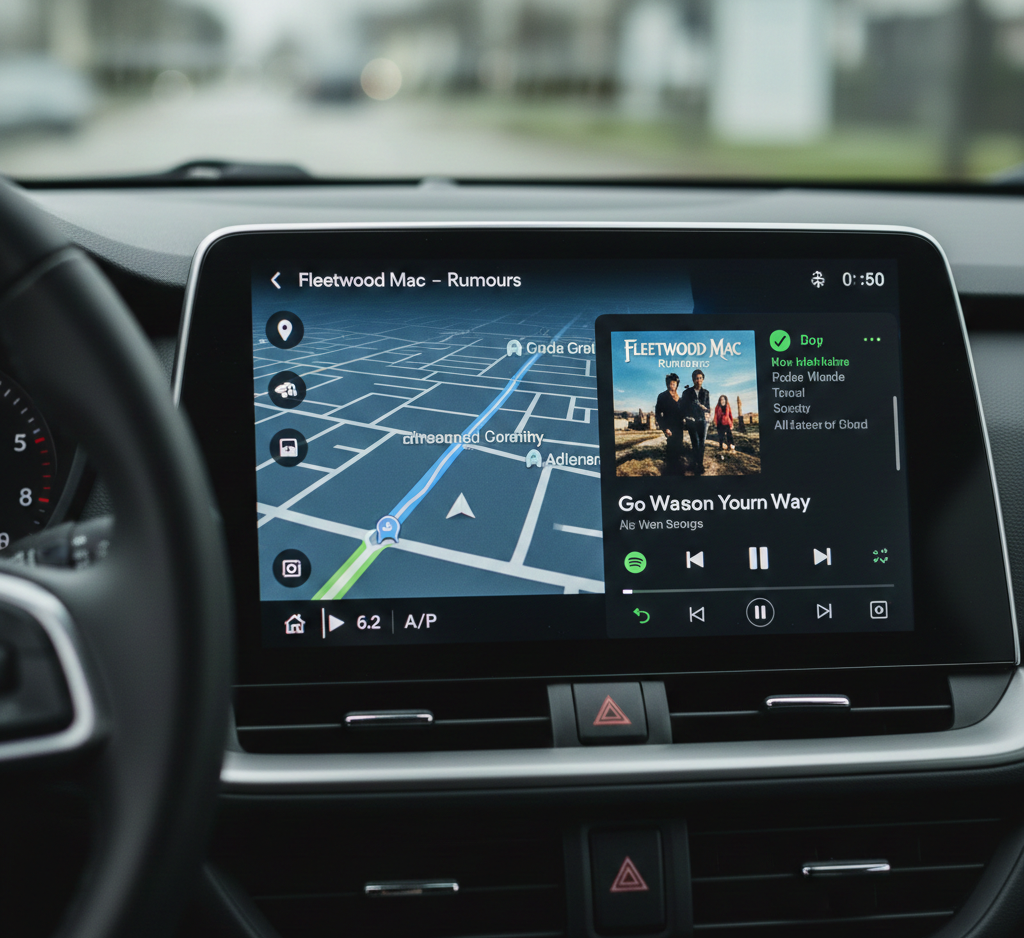
In a single-window world, apps control:
- Screen size
- Focus
- Visibility
- Timing
Multi-window takes that control away.
Your app can be:
- Half visible
- Resized repeatedly
- Covered by another app
- Moved between displays
Many apps behave as if these states are rare. In reality, they’re the default for power users.
Lesson: Assume your app is never fully in control.
Lesson 1: resizing is not an edge case
One of the first failures teams see is during live resizing.
What breaks:
- Layout jumps
- Content reflows instantly without context
- Lists reset position
- UI flickers / reloads
This usually happens because resizing is treated like a configuration change instead of a continuous interaction.
What real-world apps learned
- Resize events happen mid-task
- Users notice abrupt changes
- Smooth transitions matter more than speed
What works
- Animate layout changes subtly
- Preserve scroll and selection state
- Avoid full recomposition on every size change
If resizing feels like restarting, users won’t trust the app.
Lesson 2: state loss destroys confidence
Nothing frustrates users faster than losing work because they resized a window.
Common state failures:
- Forms resetting
- Text input disappearing
- Filters clearing
- Selection getting lost
These bugs don’t always show up in basic testing. They appear after real usage, when people multitask naturally.
What real-world apps learned
- State must survive visibility changes
- Layout and state cannot be tightly coupled
- “Temporary” UI states often aren’t temporary
What works
- Separate UI state from layout state
- Treat minimize, resize, and cover as normal
- Restore intent, not just data
👉 What breaks first when your app goes multi-device (and how to avoid it)
Lesson 3: focus and input become unpredictable
Multi-window environments expose every shortcut you took around input.
What breaks:
- Keyboard focus disappears
- Tab navigation skips elements
- Hover states never appear
- Touch-first controls feel slow with a mouse
In split-screen or desktop-like environments, users expect precision and speed.
What real-world apps learned
- Focus must always be visible
- Keyboard navigation isn’t optional
- Input method can change mid-session
What works
- Design clear focus states
- Support keyboard navigation early
- Avoid relying on gestures alone
If users can’t tell where focus is, they feel lost instantly.
Lesson 4: navigation redundancy confuses users
Navigation problems become obvious the moment an app gets more space.
What breaks:
- Bottom navigation and side navigation appearing together
- Drawers that feel unnecessary on large screens
- Controls duplicated “just in case”
This doesn’t feel helpful – it feels messy.
What real-world apps learned
- More space doesn’t mean more navigation
- Navigation should move not multiply
- Users prefer fewer and clearer choices
What works
- Promote navigation to a sidebar on large screens
- Keep destinations consistent
- Remove redundant controls
👉 Designing apps that actually feel good on phones, tablets, and "foldables"
Lesson 5: performance issues surface unevenly
Multi-window changes how performance problems appear.
Apps often:
- Run smoothly full-screen
- Stutter when resized
- Drop frames during transitions
- Re-render too aggressively
These issues are subtle but cumulative.
What real-world apps learned
- Performance must be stable across sizes
- Resize-triggered work is expensive
- Animations amplify performance flaws
What works
- Optimize layout recomposition
- Test resizing under load
- Treat transitions as performance-critical
Consistency matters more than peak speed.
Lesson 6: multi-screen isn’t just multi-window
Once users add external displays, new problems appear.
What breaks:
- Incorrect scaling
- Blurry text or assets
- Wrong assumptions about density
- UI that feels “too big” or “too small”
Apps that assume a single display context struggle here.
What real-world apps learned
- Screen density can change dynamically
- Window size ≠ viewing distance
- Context matters more than resolution
What works
- Use scalable units consistently
- Avoid hard-coded sizes
- Test with external displays early
Lesson 7: “just support it” is not a strategy
Many teams enable multi-window support late in development, assuming the system will handle most of it.
That rarely ends well.
What real-world apps learned
- Multi-window changes product behavior
- Some flows need rethinking, not fixing
- Not all features belong everywhere
This mirrors how teams are now approaching feature scaling across devices more carefully
Supporting multi-window is a product decision, not just a technical checkbox.
The common thread across all failures
Every problem above shares the same root cause:
Assumptions about stability.
Assumptions that:
- The app is fully visible
- The screen size is fixed
- Input won’t change
- Users won’t interrupt tasks
Multi-window breaks those assumptions instantly.
Apps that succeed are designed around interruption and change, not control.
Practical takeaways from the field
If your app is going multi-window or multi-screen, focus on these first:
- Preserve state at all costs
- Make resizing feel calm, not disruptive
- Design navigation as a system, not a component
- Treat input method as dynamic
- Test under real multitasking scenarios
These won’t eliminate all problems — but they prevent the most damaging ones.
Final thoughts
Multi-window doesn’t introduce new problems — it reveals existing ones.
Apps that feel solid in multi-window environments are usually solid everywhere else too. They respect context, anticipate interruption, and adapt without drama.
In a world of multiple screens and constant multitasking, the apps that survive aren’t the ones that fight for control – they’re the ones that let go of it gracefully.